A strong ecommerce store starts with a clear idea of how customers should experience it.
That idea often begins as a visual design — a carefully planned Photoshop file showing the homepage, product layouts, navigation, banners, calls to action, and other elements of the store.
But a PSD is only the blueprint.
To turn that design into a working ecommerce website, it needs to be translated into a functional Magento experience. This is where PSD to Magento conversion comes in.
The process isn’t simply about reproducing the appearance of a PSD. A good implementation needs to balance design accuracy, ecommerce usability, responsive behavior, performance, and future flexibility.
In this guide, we’ll look at how PSD to Magento conversion works, what the process involves, common challenges, and what businesses should consider before starting a project.
What Is PSD to Magento Conversion?
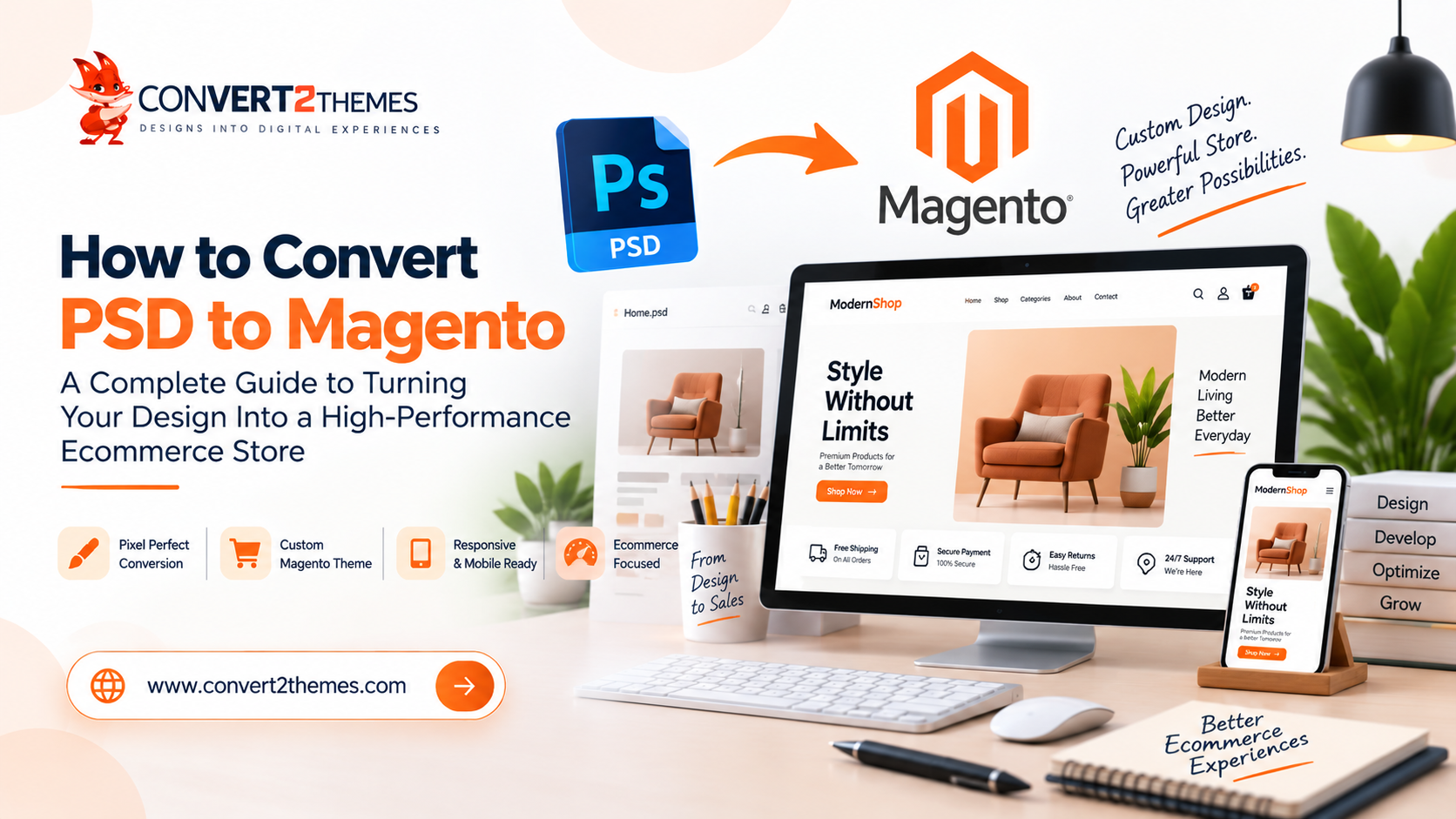
PSD to Magento conversion is the process of transforming a Photoshop design into a custom Magento storefront.
A PSD contains the visual blueprint of the website. It can define the layout, typography, colors, imagery, product presentation, navigation, buttons, and other interface elements.
Magento provides the ecommerce foundation needed to turn that design into a functional online store.
The conversion brings these two parts together:
PSD Design → Front-End Development → Magento Integration → Testing → Launch
The objective is to create a storefront that stays faithful to the approved design while working as a practical ecommerce website
Why Convert a PSD Design to Magento?
Businesses often invest considerable time creating a unique ecommerce design.
If that design already reflects your brand and customer journey, starting again with a generic store template may not make sense.
1. Keep Your Brand’s Visual Identity
A custom PSD gives designers control over the visual experience.
The final Magento storefront can retain important elements such as:
- Brand colors
- Typography
- Product layouts
- Navigation
- Promotional sections
- Banners
- Calls to action
- Content hierarchy
This creates a more consistent experience between your brand identity and your online store.
2. Turn a Static Design Into a Functional Store
A PSD shows how a store should look.
Magento provides the environment in which customers can actually interact with it.
The conversion process transforms static design elements into functional website components that can support the wider ecommerce experience.
3. Create a Responsive Shopping Experience
Customers can arrive from desktops, tablets, and smartphones.
A Magento implementation therefore needs to adapt to different screen sizes.
A product grid, navigation menu, promotional banner, or checkout-related interface may need to behave differently on a mobile screen than it does on desktop.
Responsive development should be considered from the beginning rather than added after the desktop version is complete.
4. Build Around Your Store Requirements
Every ecommerce business is different.
Your store may have its own product structure, navigation requirements, content strategy, and customer journey.
A custom design gives the development team a visual foundation around which those requirements can be implemented.
How Does PSD to Magento Conversion Work?
A professional PSD to Magento project usually moves through several stages.
1. Analyze the PSD
Before development starts, the design needs to be examined carefully.
The team identifies:
- Page layouts
- Navigation
- Product sections
- Category pages
- Product pages
- Promotional areas
- Forms
- Buttons
- Typography
- Images
- Icons
- Reusable components
This helps developers understand what the finished Magento storefront needs to contain.
2. Prepare Design Assets
The PSD may contain numerous images, icons, backgrounds, and other visual elements.
These assets need to be prepared appropriately for web implementation.
This can involve:
- Extracting images
- Organizing assets
- Preparing icons
- Optimizing graphics
- Reviewing image dimensions
- Preparing appropriate formats
For ecommerce websites in particular, image handling deserves attention because product imagery can have a significant impact on the overall page experience.
3. Build the Front-End Structure
The visual design is then translated into a structured front-end implementation.
Instead of treating the PSD as one flat image, individual website components are developed.
These might include:
- Header
- Navigation
- Hero section
- Product cards
- Category sections
- Promotional banners
- Content blocks
- Forms
- Footer
Reusable components can also help maintain consistency throughout the store
4. Integrate the Design With Magento
This is where the visual implementation becomes part of the Magento ecommerce environment.
The design needs to work with the store’s underlying functionality rather than existing separately from it.
The objective is to connect the custom front end with the ecommerce experience the business requires.
5. Implement Responsive Behavior
A desktop PSD doesn’t automatically tell developers how every element should behave on mobile.
That needs to be planned.
For example:
Desktop:
Four-product grid with full navigation
Tablet:
Reduced product columns with condensed spacing
Mobile:
Compact navigation and smaller product layout
The same principle applies to banners, images, typography, buttons, forms, and other components.
6. Test Before Launch
Once development is complete, the storefront needs to be tested.
Testing can include:
- Responsive layouts
- Navigation
- Product pages
- Category pages
- Forms
- Buttons
- Images
- Links
- Browser compatibility
- User interactions
- Visual consistency
The goal is to identify problems before customers encounter them.
What Makes a Good PSD to Magento Conversion?
A successful conversion involves more than matching colors and spacing.
Design Accuracy
The implementation should stay close to the approved design while allowing the interface to work naturally as a website.
Responsive Development
The storefront should remain usable across different screen sizes.
Ecommerce Usability
Customers need to be able to understand the store, browse products, find relevant information, and move through the shopping journey without unnecessary friction.
Performance
Large images and inefficient resources can affect the browsing experience.
A professional implementation should consider performance during development.
Maintainable Development
An ecommerce website will change over time.
Products, content, promotions, layouts, and business requirements can evolve.
The implementation should therefore provide a sensible foundation for future work.
PSD to Magento vs a Ready-Made Ecommerce Theme
Businesses often have to decide between creating a custom implementation from an existing PSD and starting with a ready-made theme.
Ready-Made Theme
A ready-made theme may make sense when:
- You want a faster starting point.
- A standard design is sufficient.
- Extensive customization isn’t required.
- The existing theme already matches your requirements.
PSD to Magento
A custom PSD-to-Magento approach may be more appropriate when:
- You already have a unique design.
- Brand consistency is important.
- Your customer journey has been deliberately designed.
- A standard theme doesn’t provide the desired experience.
- You need greater control over the storefront’s appearance.
The right choice depends on the project’s requirements, budget, timeline, and desired level of customization.
Common PSD to Magento Conversion Mistakes
1. Focusing Only on the Desktop Design
A desktop PSD may look perfect, but customers won’t necessarily view the store on a desktop.
Responsive behavior should be considered before development begins.
2. Treating Every Element as a One-Off Component
If the same visual element appears throughout the store, developing it repeatedly can create unnecessary complexity.
Reusable components can make future maintenance easier.
3. Ignoring Product Presentation
Product images, names, prices, options, and calls to action need to work together clearly.
Small inconsistencies across product listings can affect the shopping experience.
4. Using Oversized Images
High-quality product imagery is important, but unnecessarily large files can increase page weight.
Images should be prepared appropriately for their intended use.
5. Skipping Real-Device Testing
A website that looks correct in a desktop browser may behave differently on smaller screens.
Testing across relevant devices and browsers helps uncover these issues.
6. Forgetting Future Requirements
An ecommerce website is rarely finished forever.
New products, campaigns, content, integrations, and design changes may be introduced later.
The initial implementation should therefore avoid making future changes unnecessarily difficult.
What Should You Provide for PSD to Magento Development?
Having the right project materials can make the conversion process smoother.
Useful inputs may include:
- PSD design files
- Desktop layouts
- Mobile or responsive designs
- Logo files
- Brand guidelines
- Fonts
- Images
- Product imagery
- Website content
- Navigation structure
- Ecommerce requirements
- Required integrations
- Examples of interactions
If separate mobile designs are available, they can be especially useful when determining how the desktop design should adapt to smaller screens.
How Much Does PSD to Magento Development Cost?
There isn’t a universal price for PSD to Magento development.
The cost depends on the scope and complexity of the project.
Factors can include:
- Number of pages
- Number of unique layouts
- Design complexity
- Responsive requirements
- Custom sections
- Product and category requirements
- Integrations
- Interactive elements
- Testing requirements
- Revisions
- Additional development requirements
A small ecommerce website and a large store with many unique layouts can require very different levels of development effort.
A project-specific assessment is therefore more useful than relying on a generic price.
How to Choose a PSD to Magento Development Partner
Choosing a development partner shouldn’t be based only on whether they can reproduce a screenshot.
Look for a team that understands both design implementation and ecommerce requirements.
Review Their Previous Work
Look for evidence that they can work with custom designs rather than only modifying existing themes.
Ask About Responsive Development
Find out how they handle desktop, tablet, and mobile layouts.
Discuss Testing
Ask what types of browser, device, usability, and functionality testing are included.
Consider Communication
A conversion project can involve design clarification and revisions. Clear communication helps avoid misunderstandings.
Think Beyond Launch
Your store may need changes after launch. Consider whether the development partner can support future requirements.
When Is PSD to Magento the Right Choice?
PSD to Magento can be useful when you already have a custom ecommerce design and want to turn that design into a functional Magento storefront.
It can be particularly suitable when:
- You have an approved PSD design.
- Your store needs a distinctive visual identity.
- A standard theme isn’t sufficient.
- You want control over the customer-facing interface.
- The design has been created around your business and products.
The important distinction is that the PSD is the visual blueprint, not the finished ecommerce experience.
The development process is what turns that blueprint into something customers can actually use.
From PSD Design to a Working Magento Store
A well-designed ecommerce website needs more than an attractive interface.
It needs a thoughtful combination of design, functionality, responsiveness, performance, and usability.
PSD to Magento conversion provides a path from an approved Photoshop design to a working ecommerce storefront.
The best results come when the development team doesn’t simply copy the design, but understands why each element exists and how it should behave for real users.
At Convert2Themes, Magento is among the platforms supported for custom website theme development, alongside technologies and platforms including WordPress, Shopify, HTML5, Drupal, Angular, and Vue.js.
If you already have a Magento store design ready to develop, the next step is to turn that visual blueprint into a functional ecommerce experience.
Explore our PSD to Magento development service and get started with your custom design.
Frequently Asked Questions
PSD to Magento conversion is the process of transforming a Photoshop design into a custom Magento storefront while maintaining the intended visual design and implementing the functionality required by the ecommerce website.
Yes. A PSD can be used as the visual foundation for developing a custom Magento storefront. The complexity of the implementation depends on the design and required functionality.
A professional conversion aims to maintain the important visual characteristics of the approved design while adapting the interface for responsive and functional web use.
The Magento implementation can be developed to adapt to desktop, tablet, and mobile screen sizes. Responsive behavior should be planned during the development process.
It depends on the project. A ready-made theme can be useful when you want a faster standard solution. PSD to Magento is more appropriate when you already have a custom design and need greater control over the storefront.
The timeline depends on factors such as the number of pages, design complexity, responsive requirements, custom components, integrations, revisions, and testing.
Yes. Ecommerce websites often evolve after launch, so the initial theme implementation can serve as a foundation for future design and functionality changes.
Typically, the PSD design is the main starting point. Additional materials such as fonts, images, logos, brand guidelines, content, mobile designs, and functional requirements can also help produce a more accurate implementation.